The app
Choose a mode. Tap Start.
Manna is an iPhone app for the things you want to do. Choose one, tap once. Allow Screen Time, and the apps you pick are blocked while the mode runs.
Download on the App Store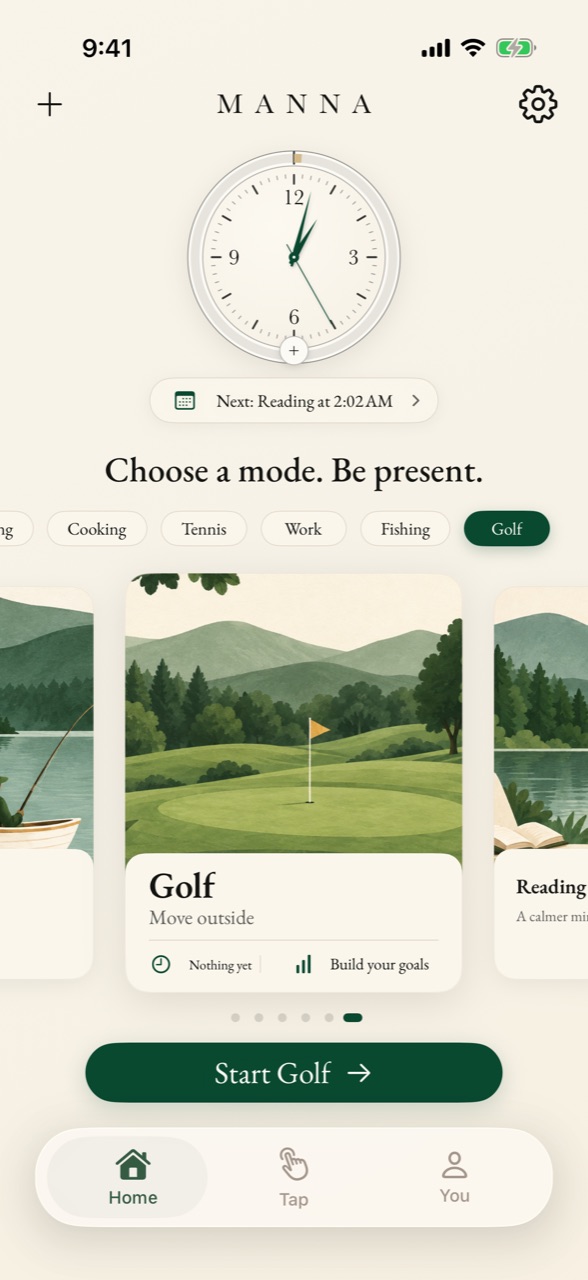
Modes
A mode for everything you love.
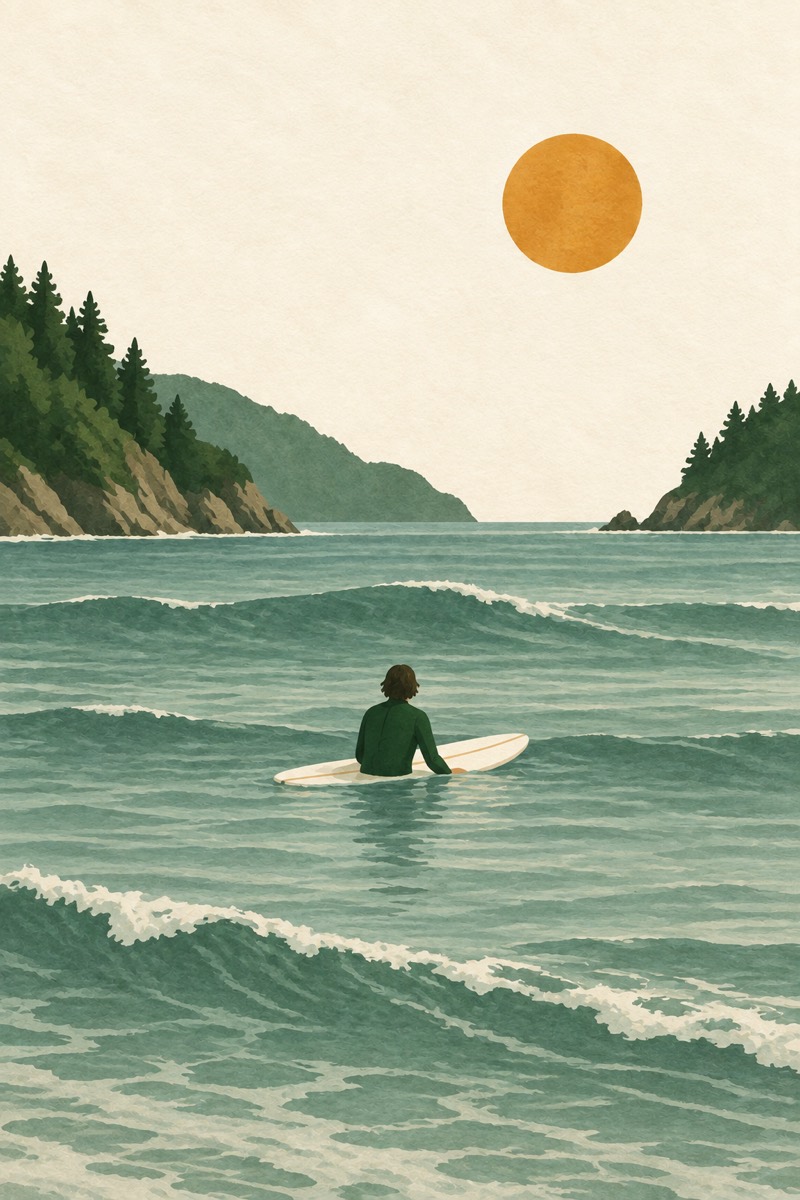
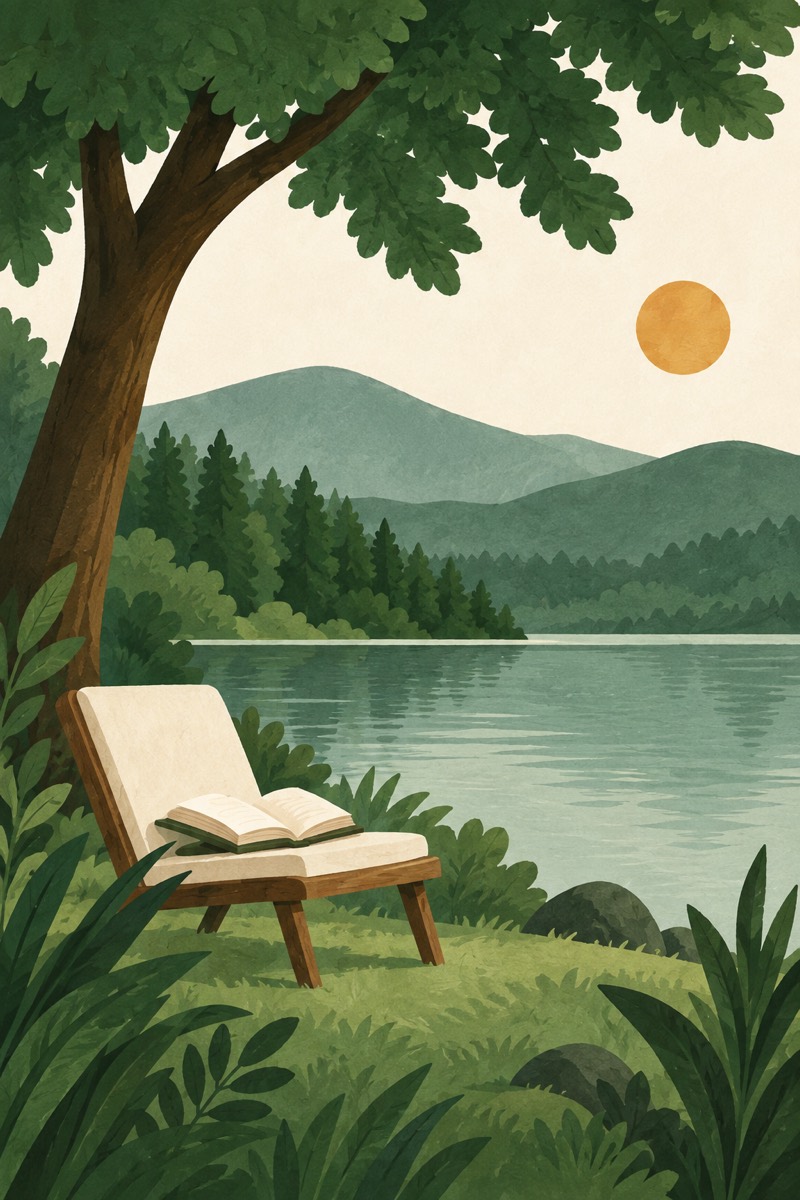
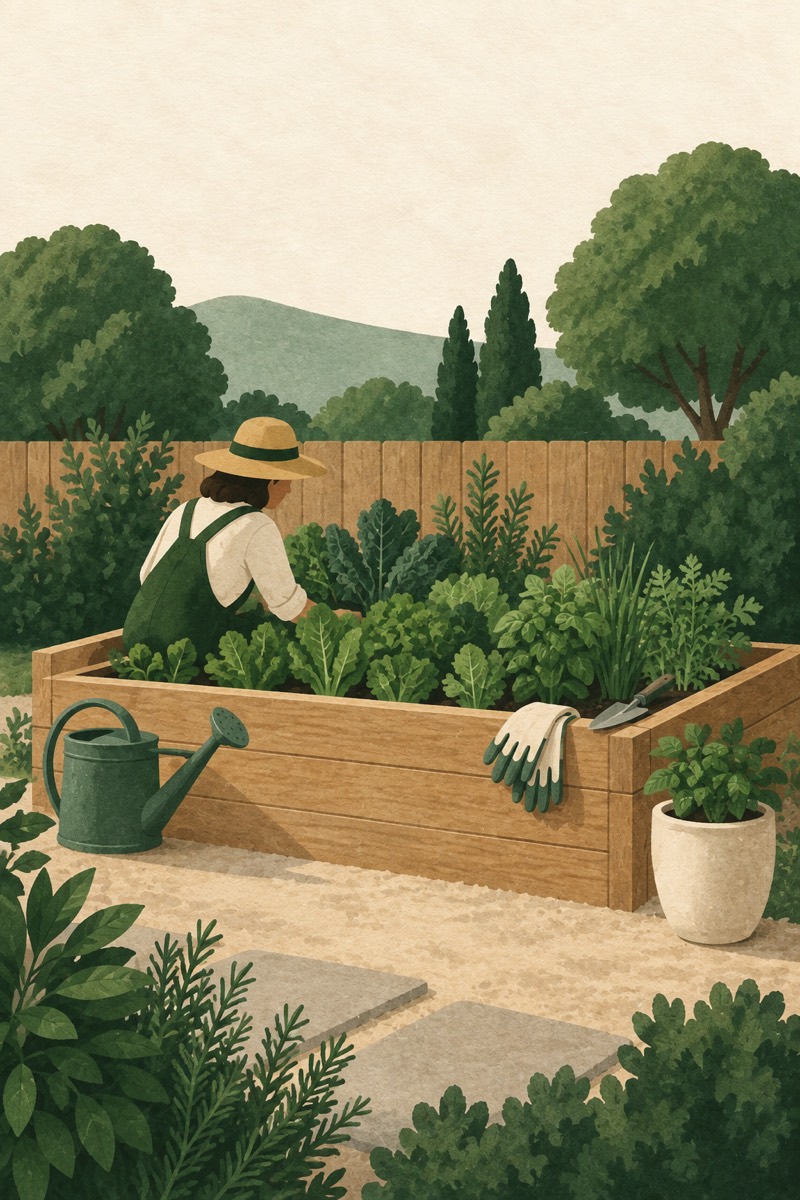
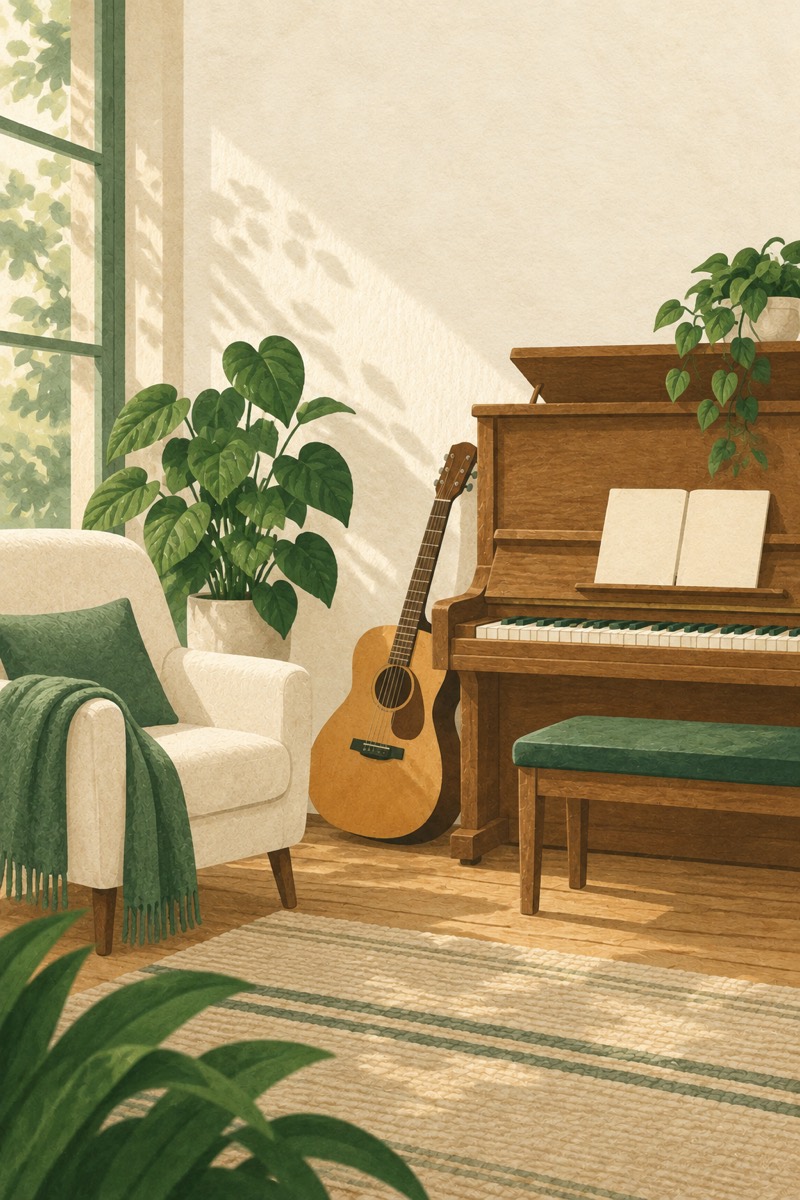
Home is a wheel of your modes: Work, Reading, Golf, Cooking. Manna starts you with modes that fit your answers, each with its own painting. Add any other by name; sixty modes have a painting, and the rest wear the tree. Each mode keeps its own count, so you can see the hours going into it.
Start
One tap, and you're in it.
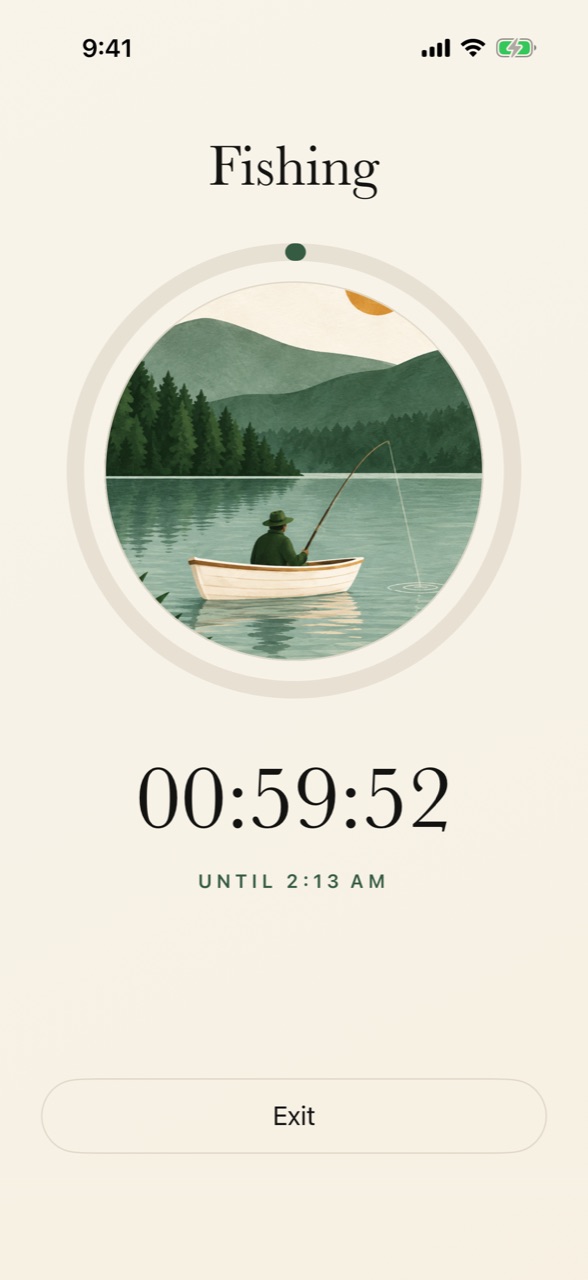
Tap Start and the mode begins. With Screen Time access allowed, the apps you chose are blocked until the mode's time is up, or until you end it sooner. The screen holds your mode's painting in a ring that fills as the time passes, a countdown, and one button to finish.
Something new
Name it, and it's a mode.
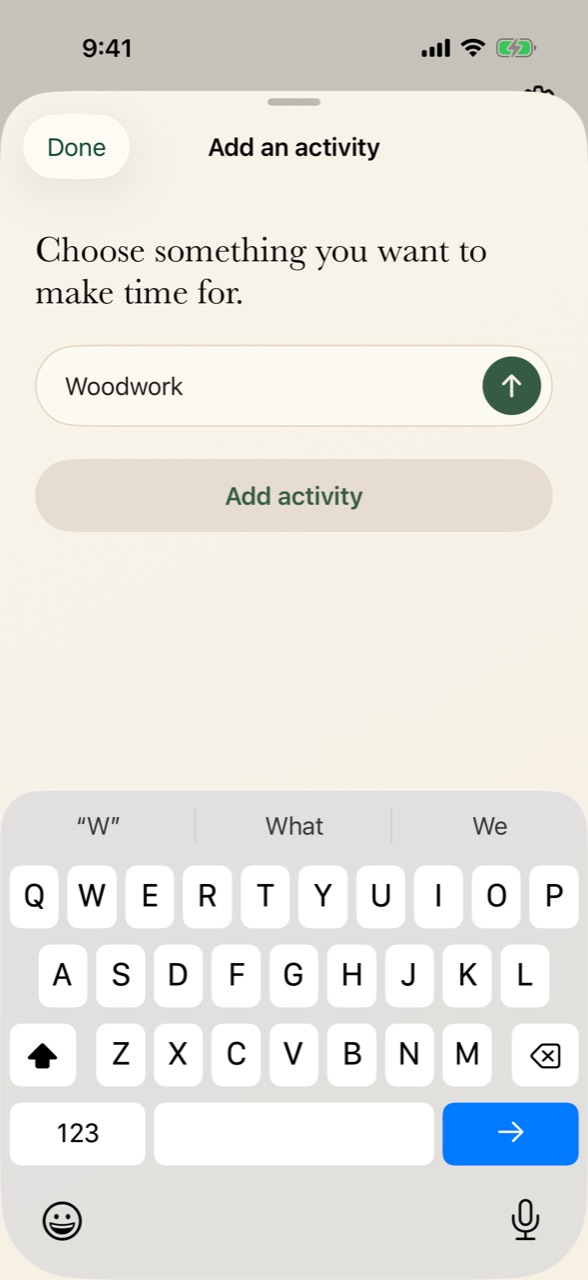
Tap plus and type what you want to make time for: "Woodwork", "Long run", "Piano". It joins your wheel, ready to begin.
Your week
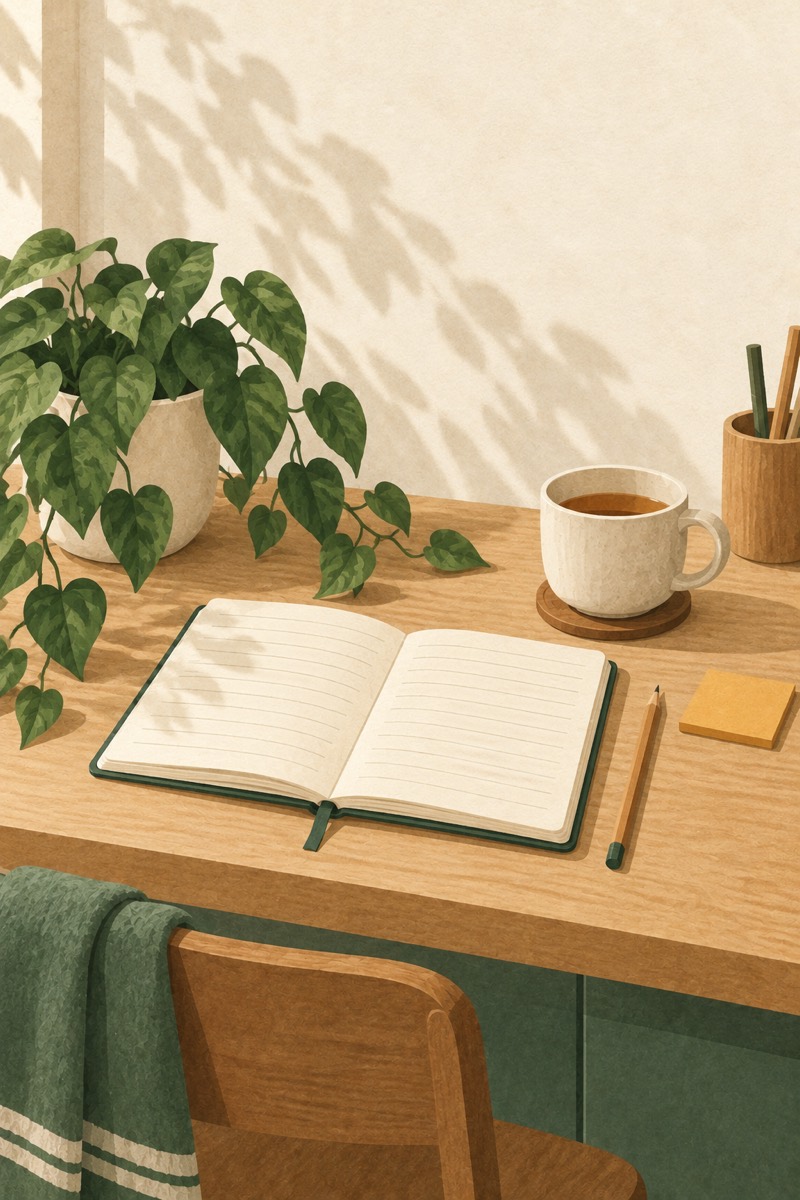
Give your week a shape.
Paint time onto your week: Work in the mornings, Tennis on Thursday, Reading before bed. The clock on Home shows how much of your week has a mode, and each one begins on its own when its time comes.
What you gave it
Every hour, measured.
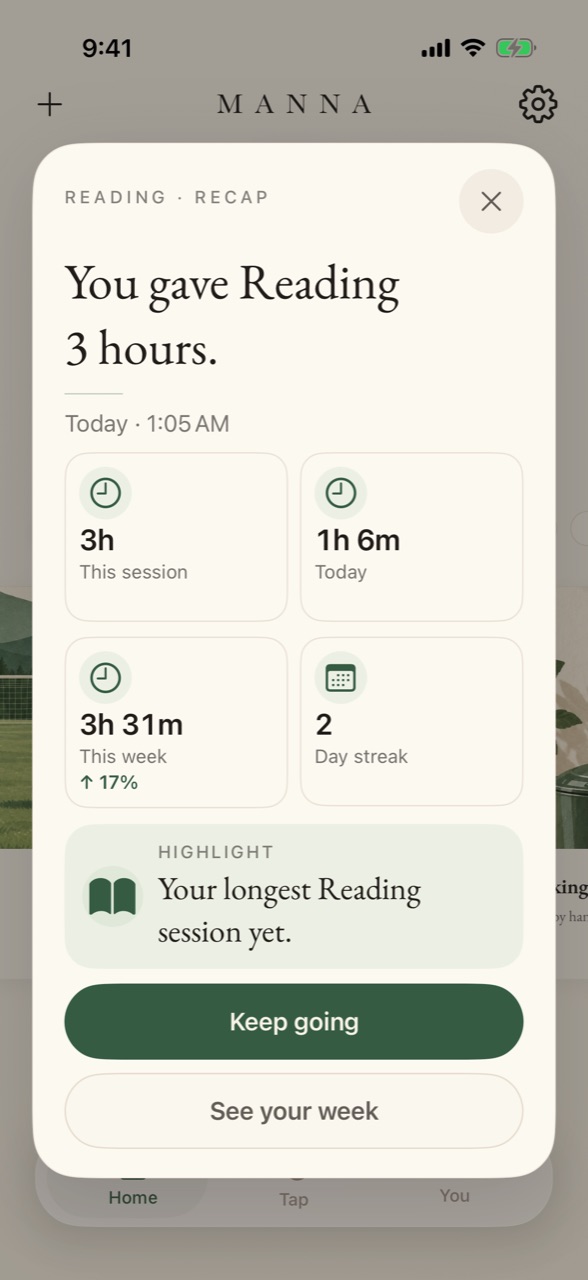
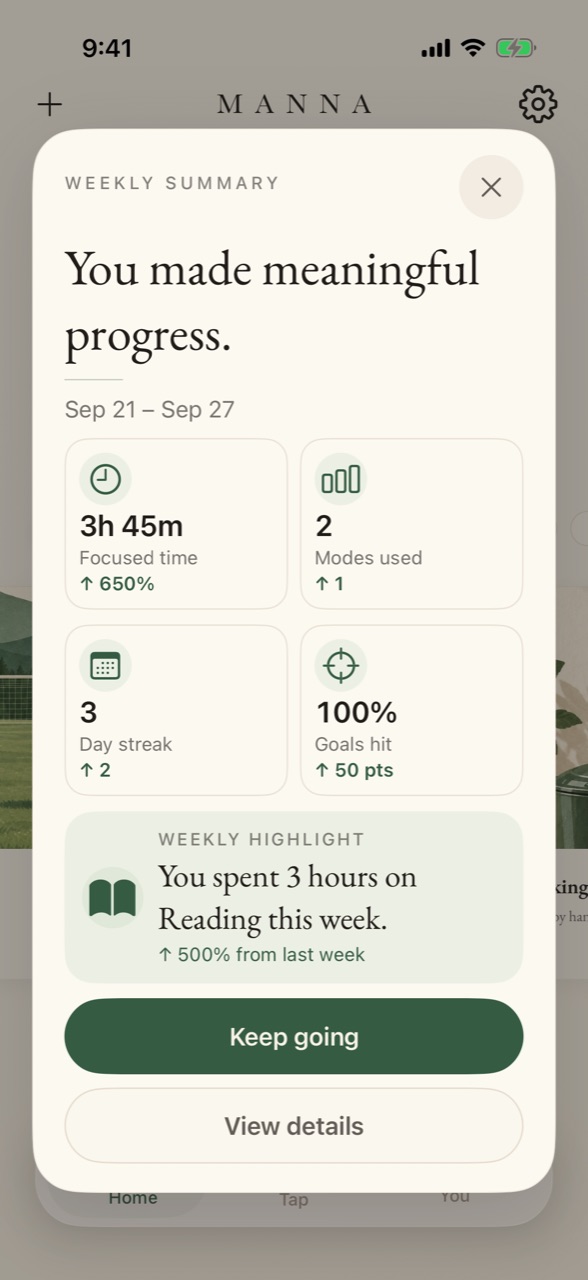
When a session of five minutes or more ends, Manna shows what you gave it: this session, today, this week. On Sunday your week comes back as one card, with where the time went and how it compares with last week. Every number is measured from the moment you tapped, never estimated.
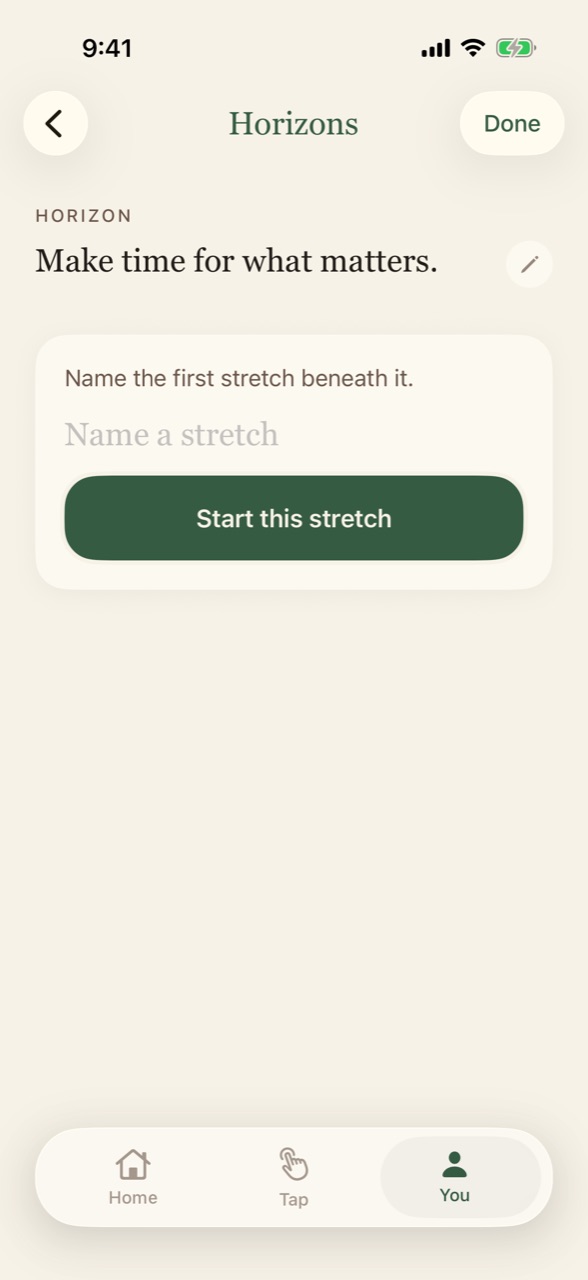
You
Your time, and what it's for.
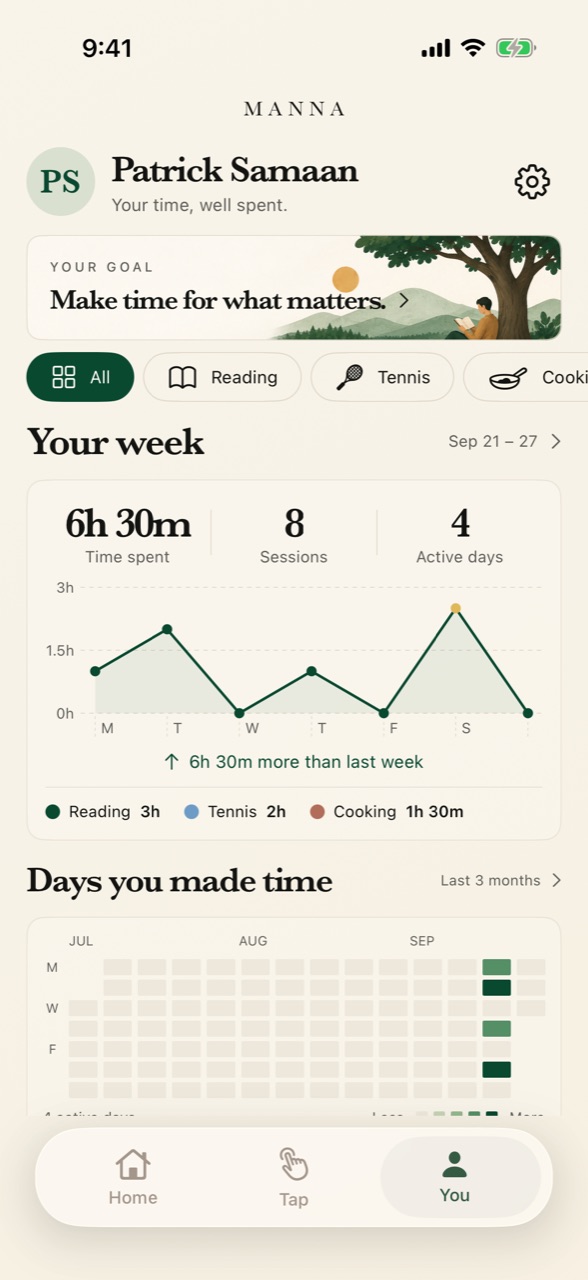
The You page puts your time in one place: hours by mode, week over week, and every day you made time. Horizons keeps your biggest goal in view, with one stretch at a time and a few steps to check off.
Everywhere you are
Start without opening the app.
Lock Screen and Dynamic Island
The mode you're in and the time left, without opening the app.
Widgets
Start a mode from your Home Screen, or switch to the next one.
Siri and Control Center
"Start Reading in Manna." Or one press in Control Center.
Reminders from your own week
When you usually start a mode, Manna can remind you. Only from your own history.
The paintings
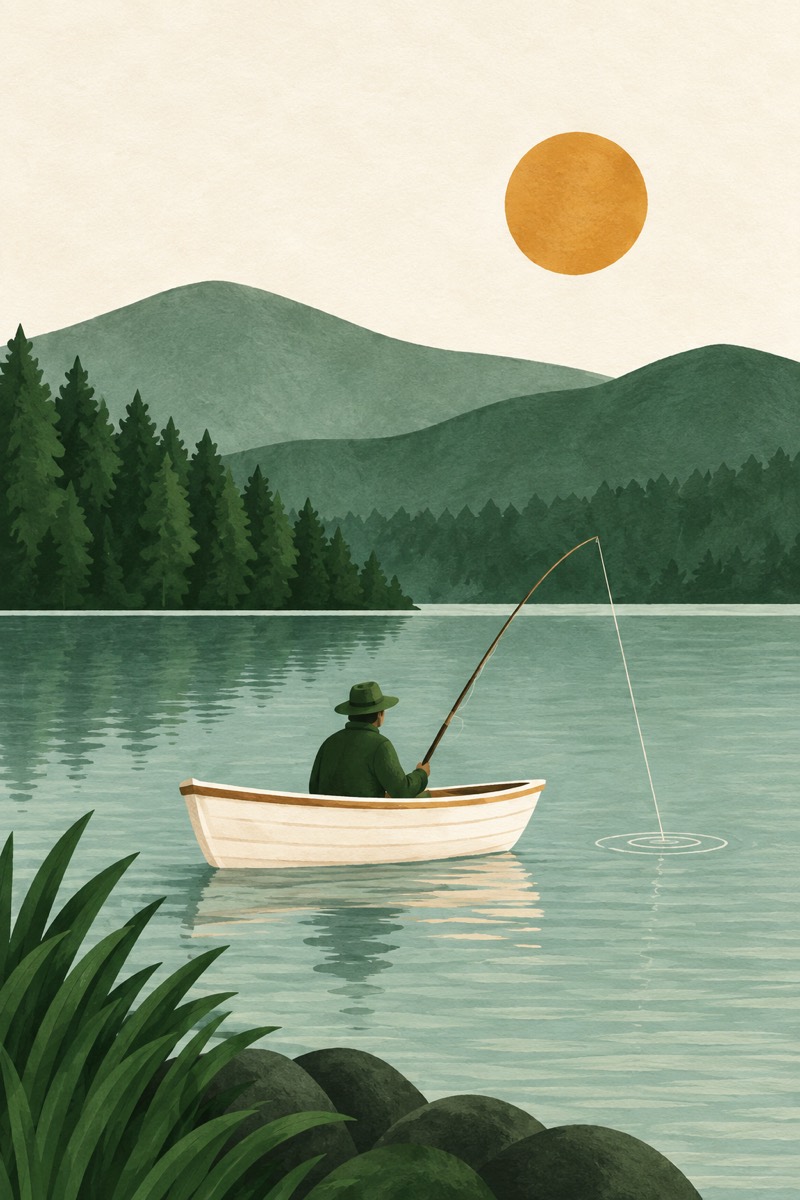
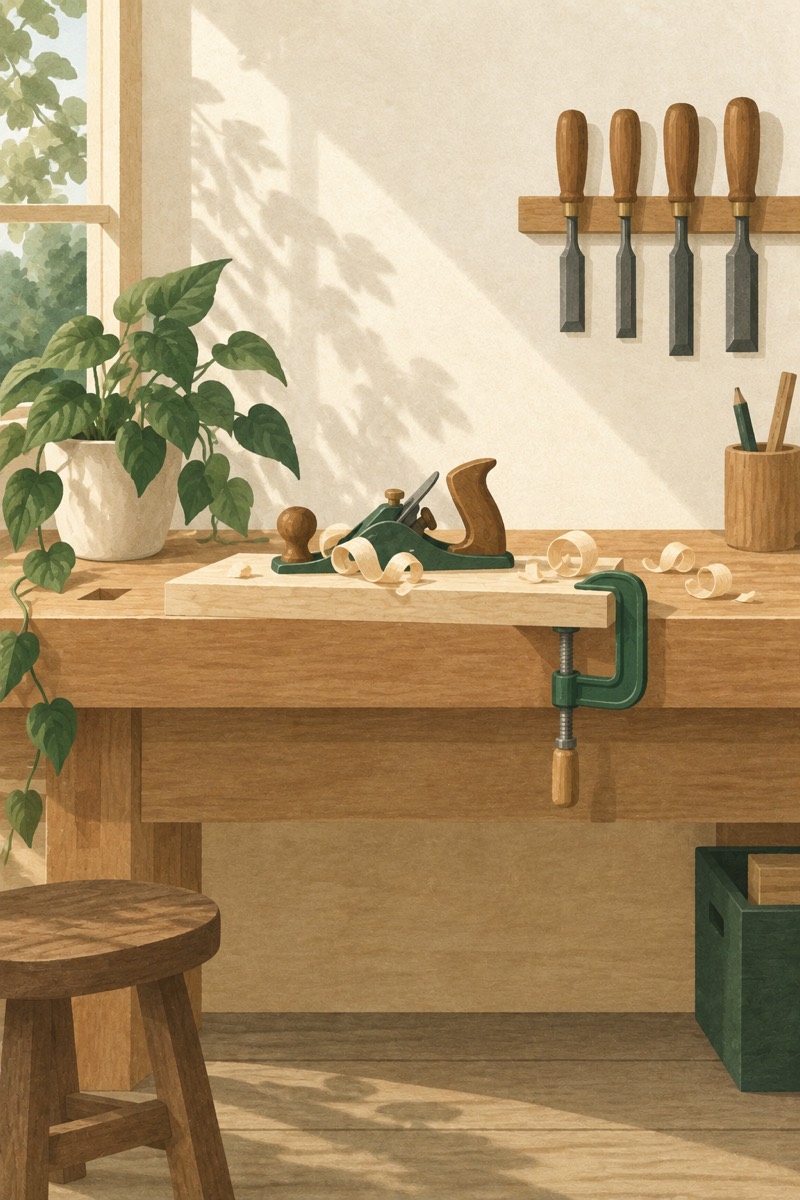
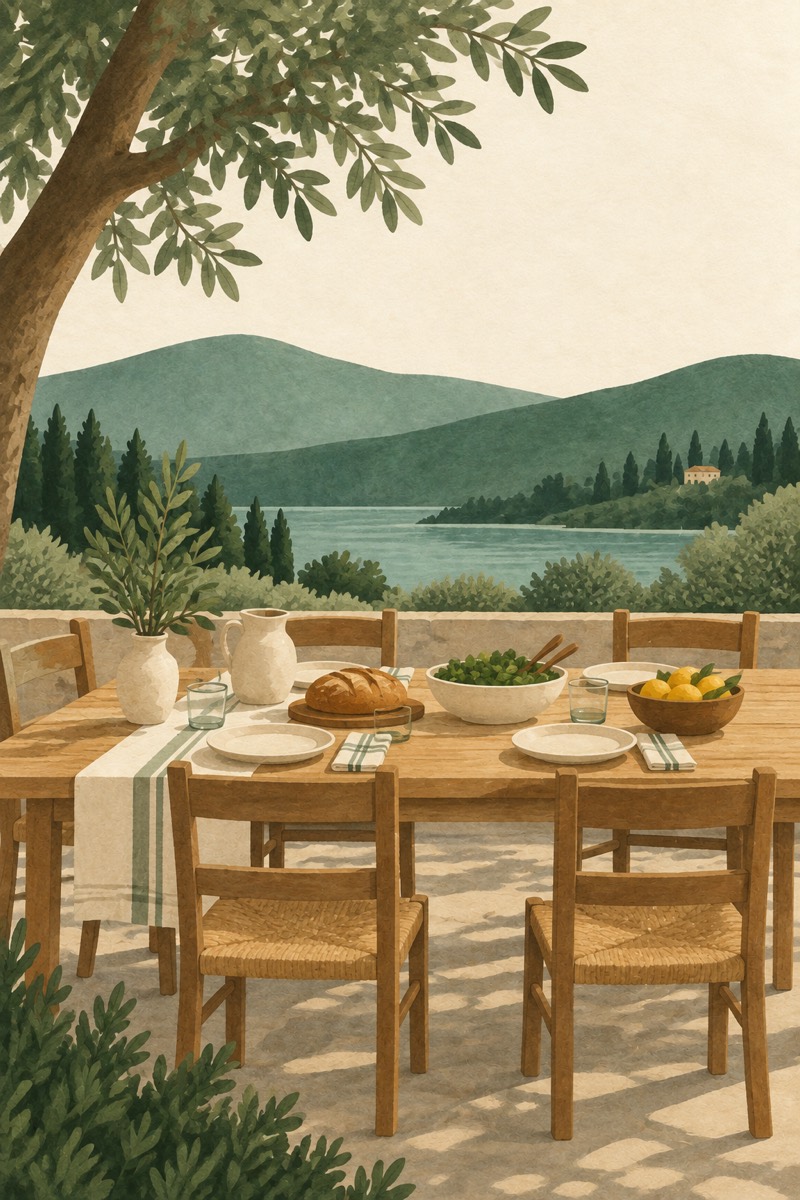
Sixty of them, painted.
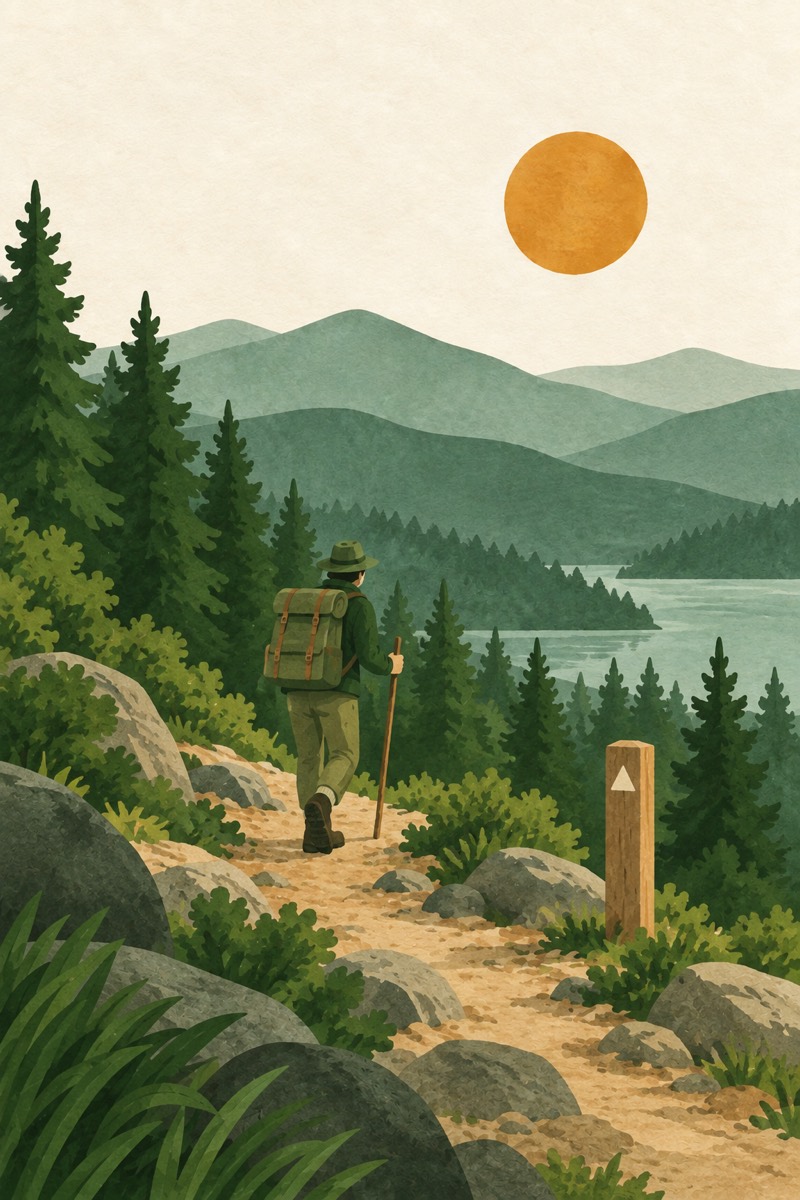
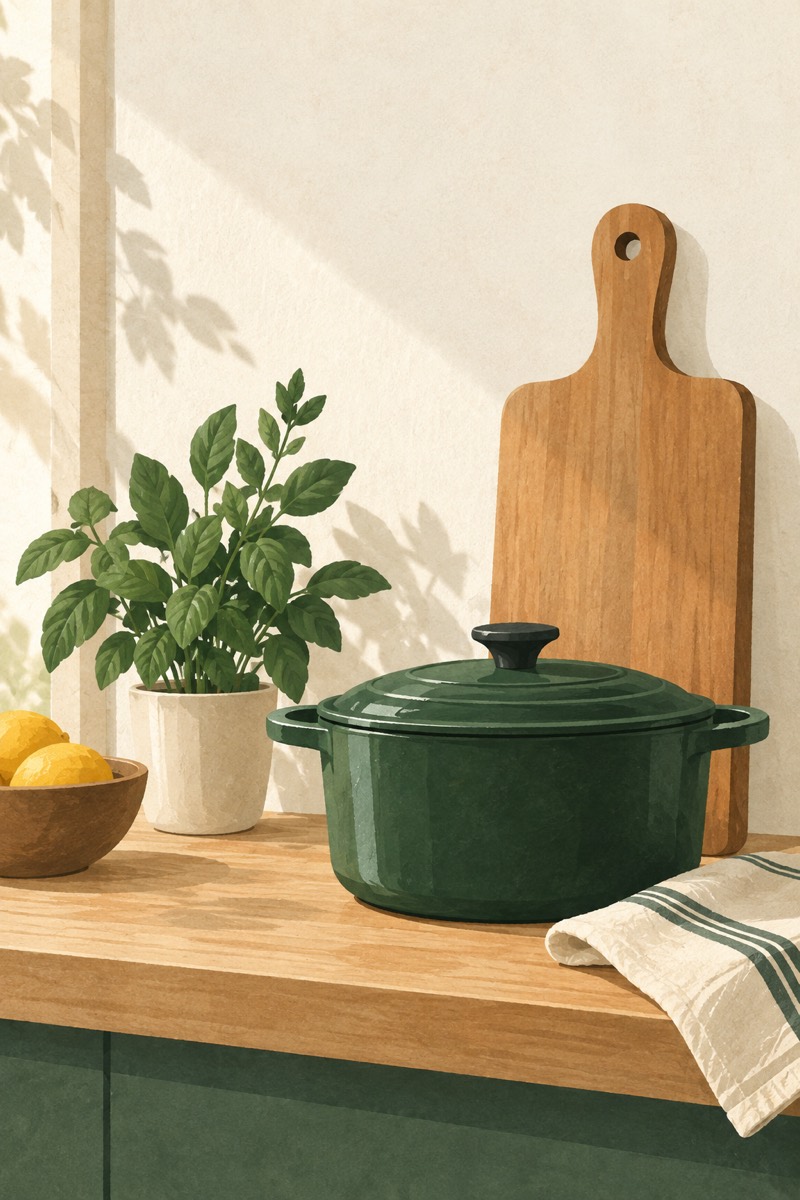
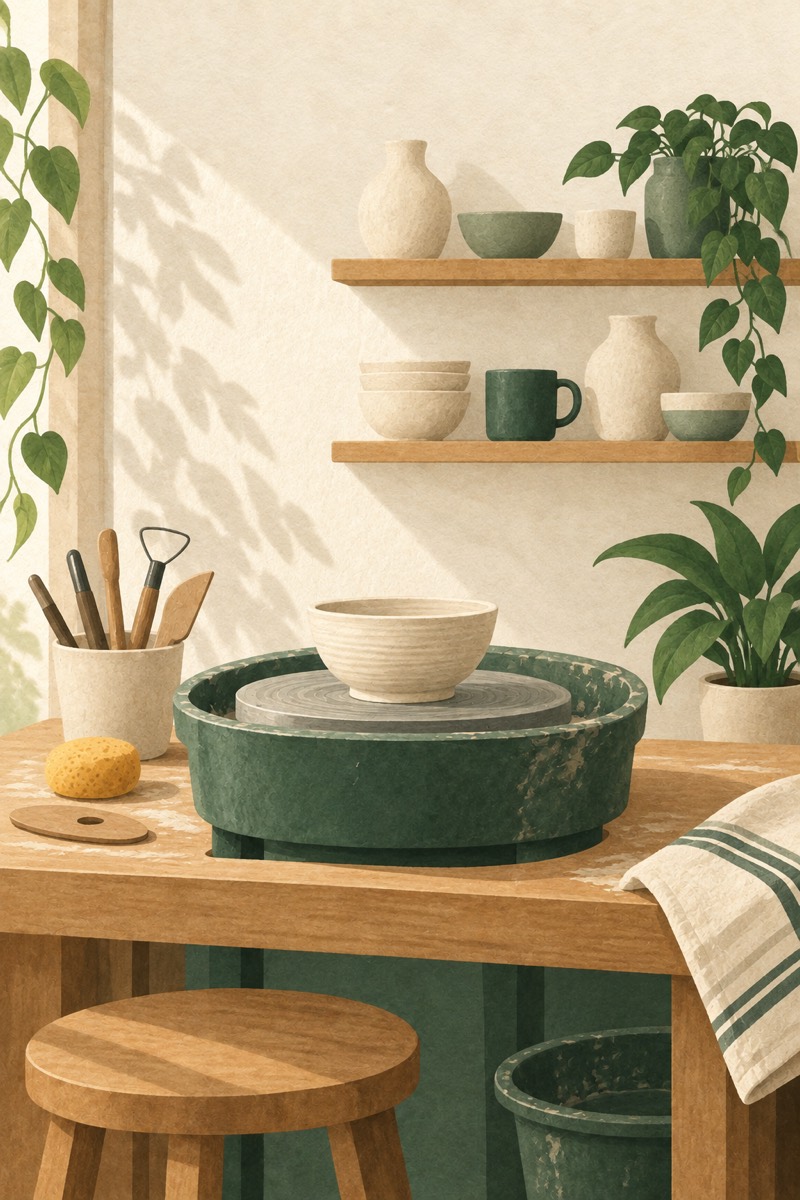
Painted for Manna. Name a mode we haven't painted yet and it wears the tree.
- Fishing
- Woodwork
- Dinner Table
- Surf
- Read
- Garden
- Music
- Tennis
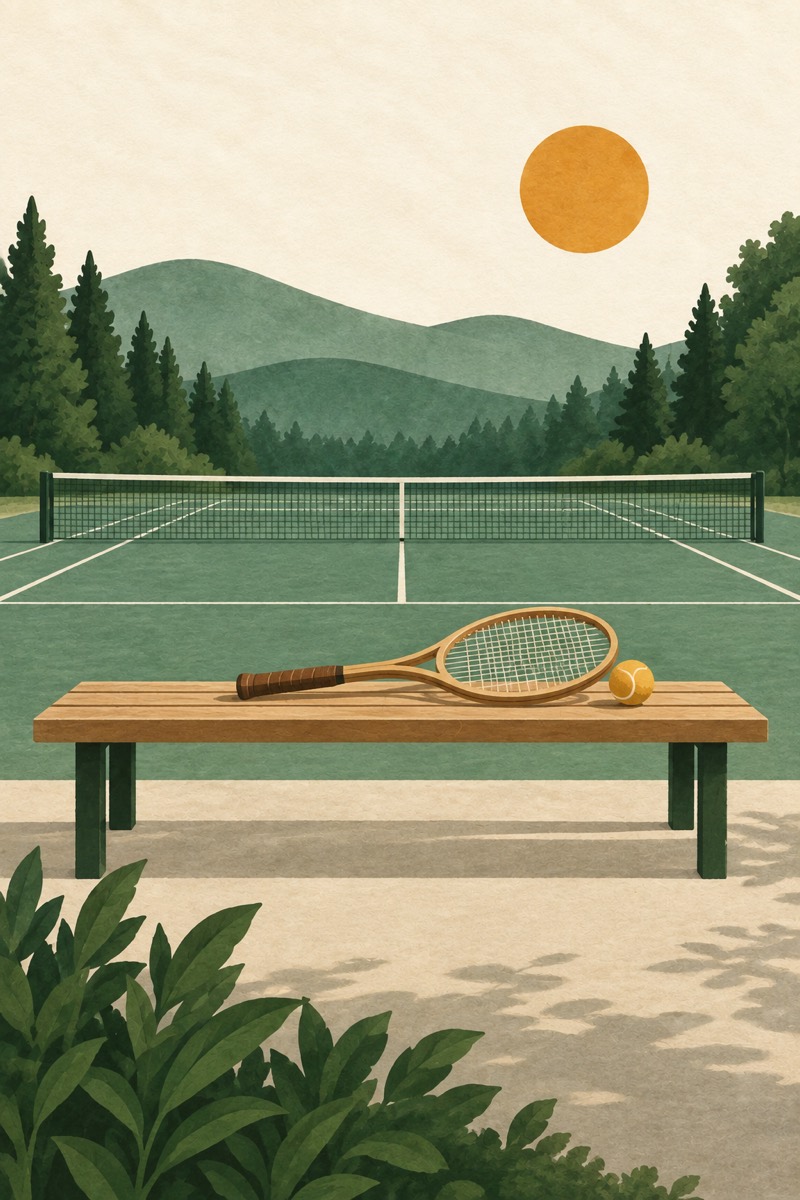
- Hike
- Cook
- Pottery
- Work
Where it's going
Coming to Manna
In the works now. We'll say so here when each one ships.
Suggestions that go deeper
Manna already suggests modes from your answers and your history. Next, it draws on everything you tell it, kept on your iPhone.
Past, Present, Future
This month against the same point last month, where you are now, and what's next.
Check-ins
A word or two after a session, typed or spoken, kept beside the hours.
The shop
Well-made objects, each chosen for one thing you do. See the shelf on our homepage.
Privacy
Your measured history stays on your iPhone.
The record of every session, and how long it lasted, is kept on your iPhone. It isn't uploaded or sold, and Screen Time never shows us which apps you use. So your Lock Screen can show what you're in and what's next, Manna also sends our server your plans and the mode you're in; the privacy page lists exactly what.
How we handle your dataYour life is meant to be lived, not scrolled.